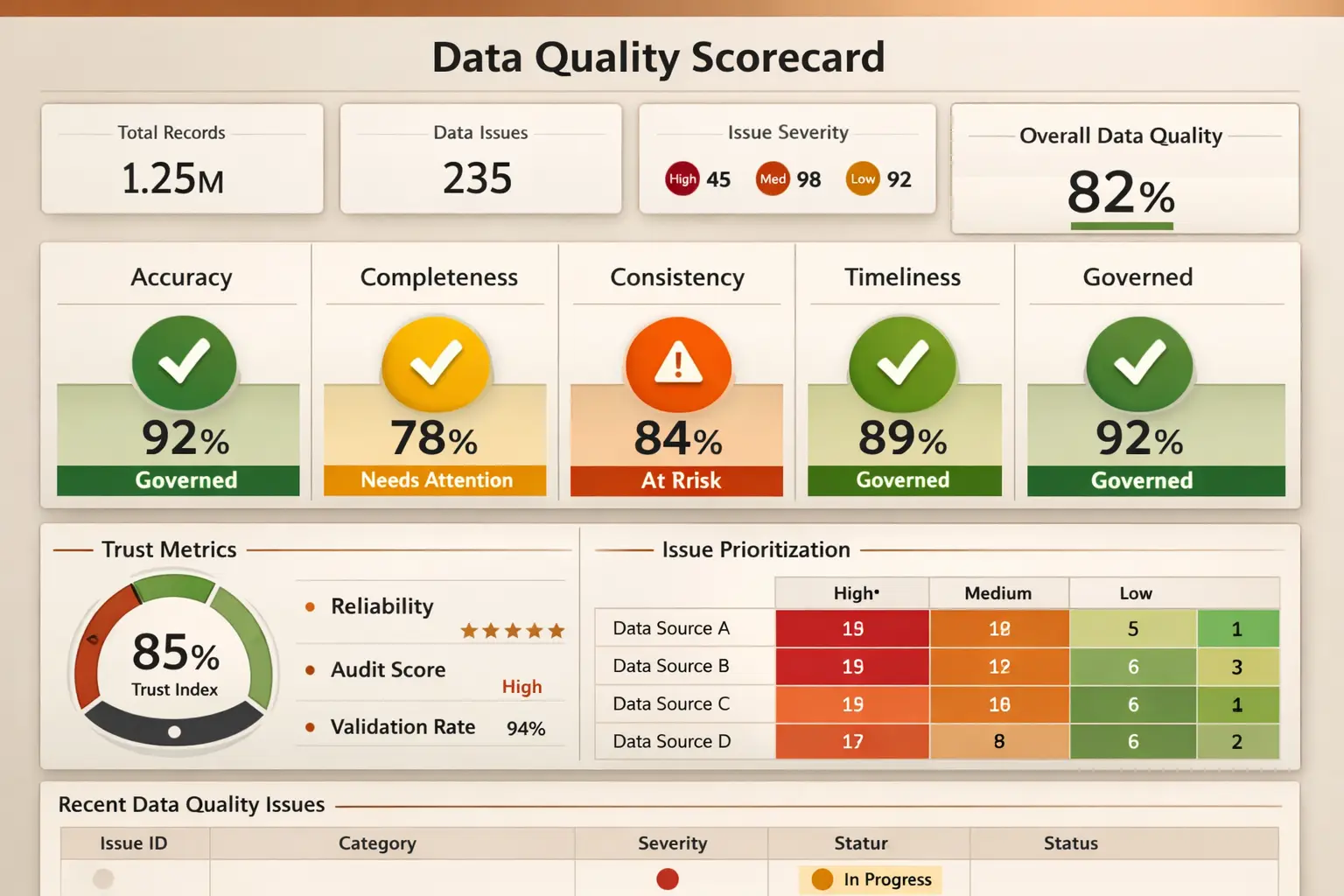
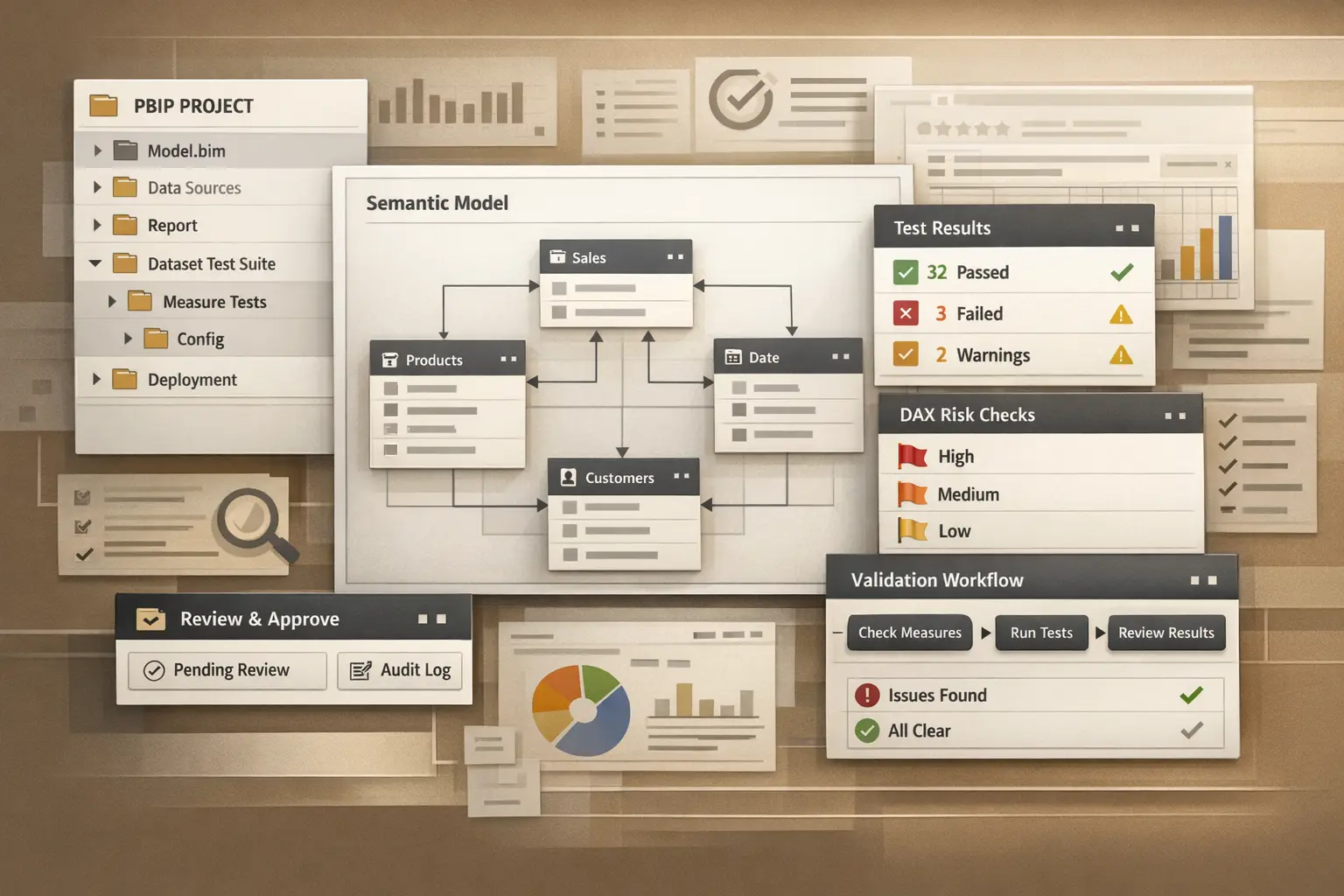
Teams often test calculations and still ship reports with obvious quality issues. That happens because report QA is broader than measure validation.
The final publishing check should confirm not only that the data is correct, but also that the report is usable, interpretable, and stable.
Four things to validate before publish
1. KPI meaning
Check whether the headline numbers still mean what the audience thinks they mean.
This includes:
- filter scope
- time windows
- exclusions
- comparison logic
- label clarity
If the metric is technically correct but easy to misread, the report is still not ready.
2. Filter and navigation behavior
Many publishing defects come from interaction paths rather than calculations.
Check:
- slicer defaults
- drill behavior
- cross-filter interactions
- bookmarks
- mobile or narrow viewport readability when relevant
These are the defects users notice immediately because they break trust in the experience.
3. Empty, edge, and export states
Reports should still behave reasonably when:
- a selection returns no rows
- a filter creates an edge-case combination
- a date range is sparse
- the report is exported or printed
If the report only looks correct on the “happy path,” it is not finished.
4. Layout clarity
Quality also includes how quickly the page can be interpreted.
Look for:
- headings that do not explain the visual
- dense pages with no clear scan path
- legends, units, or labels that require guesswork
- visuals competing for attention without hierarchy
This is not cosmetic. Clear layout reduces false conclusions.
Keep the QA pass short and repeatable
The best QA checklist is short enough that it is actually used. A publish-ready pass can stay practical:
- Validate the critical KPI path.
- Validate the main filter path.
- Validate one edge case.
- Validate layout clarity on the key audience page.
That catches more real defects than an inconsistent long checklist no one completes.
Where this intersects with analytics engineering
Report quality is not separate from engineering quality.
If the team is using source control, structured review, and clear validation notes, report QA becomes easier because:
- the change scope is narrower
- reviewers know what moved
- critical paths are easier to re-check
That is why report quality improves when the engineering workflow improves.
A useful standard
Before publish, someone should be able to answer:
- What changed?
- What output path was validated?
- What would a user notice?
If those answers are clear, the report is usually in much better shape to ship.