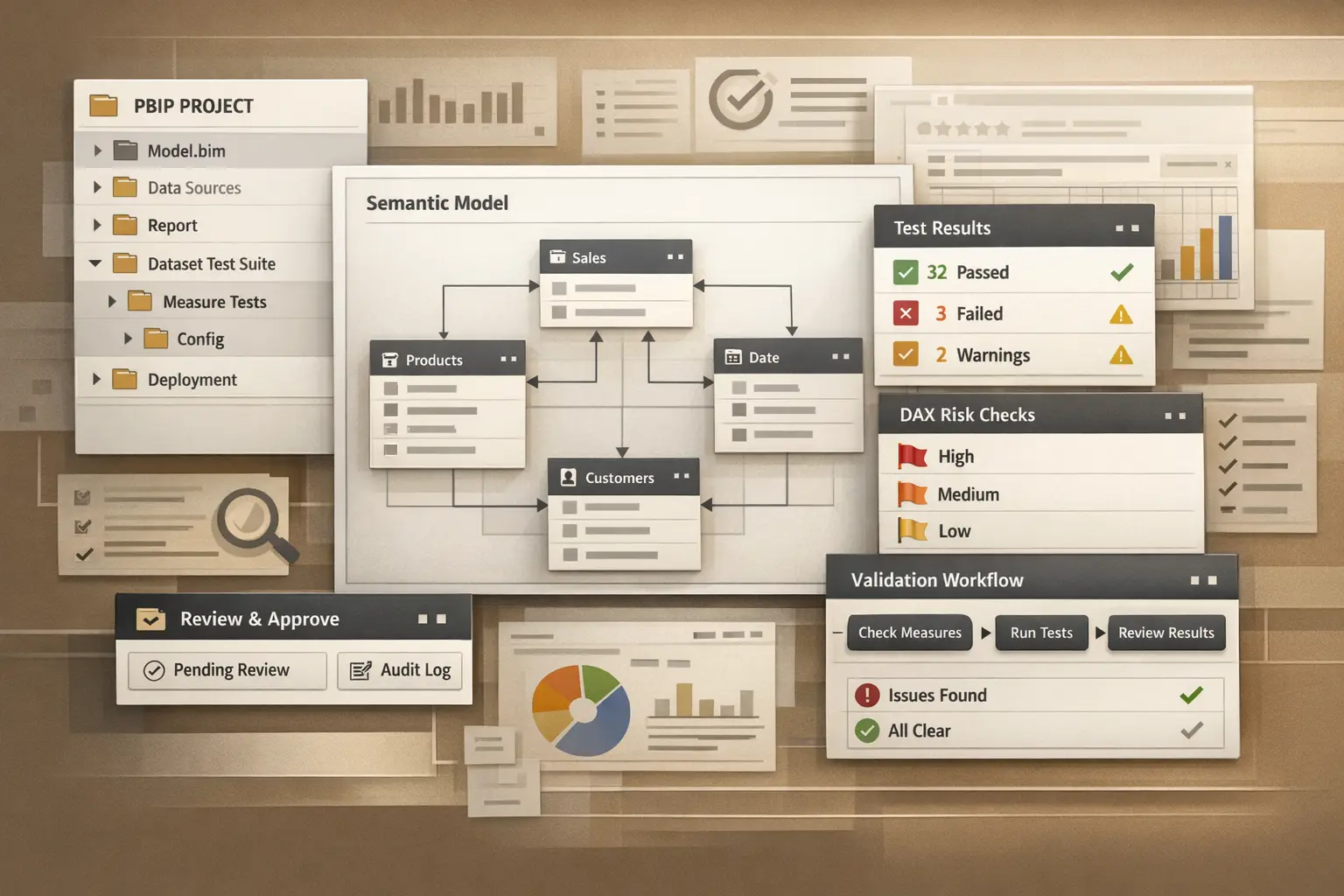
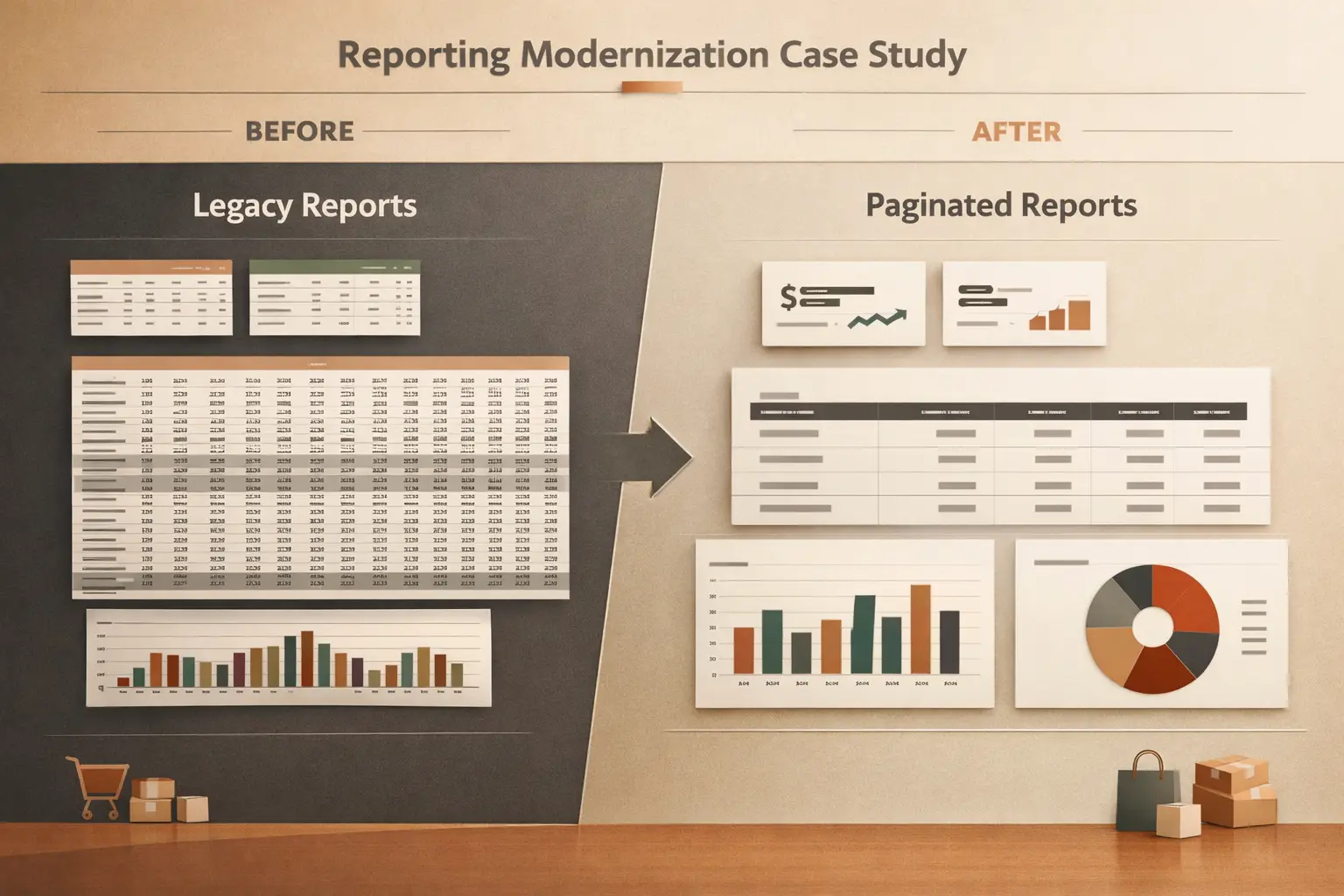
PBIP and PBIR are often described as “Power BI in source control.” That is true, but it is still too abstract to help a team improve delivery.
The more useful framing is this: PBIP and PBIR make report and model changes easier to inspect before they become production surprises.
What problem they actually solve
The underlying problem is not version control by itself. It is change visibility.
Without a structured workflow, report changes are hard to review because:
- multiple edits are bundled together
- semantic-model and report changes are not clearly separated
- reviewers have to infer intent from the final file state
- deployment becomes harder to reason about after handoff
PBIP and PBIR help because they make the change surface more explicit.
What a safer workflow looks like
The workflow does not need to be elaborate.
At minimum:
- Keep report and model changes in source control.
- Separate visual-layer edits from semantic-model edits where possible.
- Use short change summaries tied to a business or reporting reason.
- Review changed files with the question, “What user-facing behavior will change?”
That last point is the one teams often skip.
Review the change in three passes
Pass 1: Structural diff
Start by identifying what changed:
- report layout
- visual settings
- field bindings
- measures or model objects
- bookmarks or navigation behavior
The aim is to reduce uncertainty before debating whether the change is good.
Pass 2: User-facing impact
Ask what a report consumer would notice:
- different totals
- different default filters
- changed drill behavior
- changed visual emphasis
- altered navigation or export outcomes
This is where review shifts from “the file changed” to “the report experience changed.”
Pass 3: Deployment risk
Finally, assess whether the change is easy to deploy safely:
- Are the dependencies clear?
- Is rollback straightforward?
- Does the reviewer know which report pages need validation?
If the answer is no, the workflow still needs tightening.
Keep branch scope narrow
The review gets dramatically easier when branches stay focused.
Avoid combining:
- model refactoring
- KPI logic changes
- report redesign
- navigation changes
inside one mixed delivery branch unless there is a strong reason.
PBIP and PBIR help most when the scope of the change is already disciplined.
What not to expect
PBIP and PBIR do not automatically create good engineering practice.
They do not replace:
- naming discipline
- testing
- semantic-model review
- release notes
What they do is make those practices easier to apply consistently.
The practical payoff
When teams use PBIP and PBIR well, reviews become less about guessing and more about deciding.
That is the real gain: faster review cycles, fewer ambiguous changes, and a clearer path from development to production.